ProMax documentation
Setup guide and reference for ProMax, the free magazine and news theme on WordPress.org, and ProMax Pro, its premium edition with more layouts, colours and features.
What's in this guide
Installation & setupInstall, update, first steps and child themes.
Colour schemes5 schemes in ProMax, 14 plus Dark mode in Pro.
Blog & page layoutsPost layouts, card styles, sidebars and widths.
Menus & widgets3 menu locations and 10 widget areas, mapped.
ProMax settingsEvery Customizer option in the free theme.
ProMax Pro settingsEvery Customizer option in Pro.
Pro featuresSlider, ticker, video thumbnails, share buttons, fonts.
WooCommerceShop layouts, floating cart and Quick Checkout.
SEO & performanceBuilt-in SEO, Yoast SEO and Rank Math, speed tips.
DevelopersHooks, filters, CSS variables and child themes.
Free and Pro compared
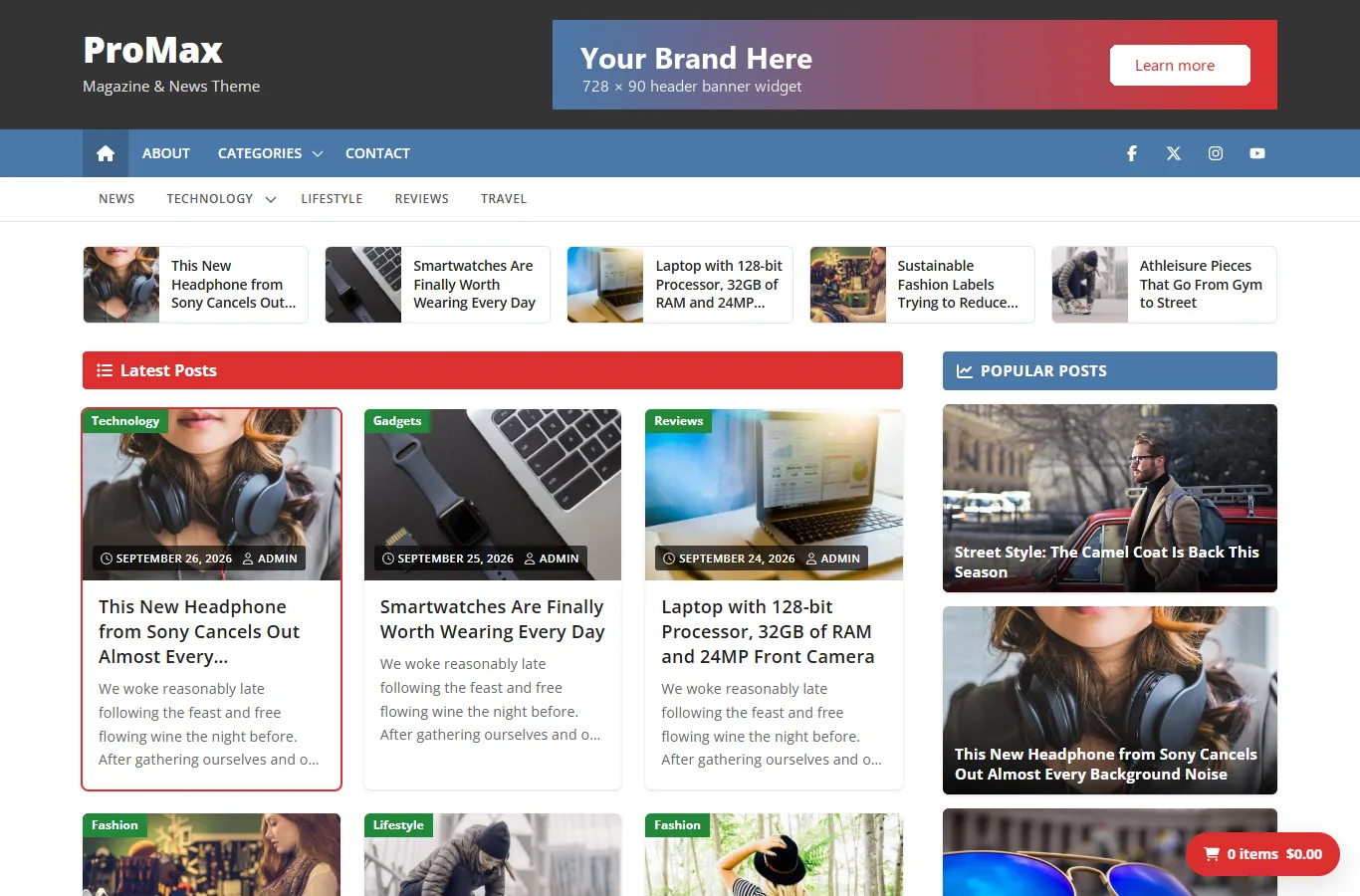
Both editions share the same design, code quality, accessibility and SEO groundwork. Pro adds layouts, colour and font controls and the magazine features below.
| Feature | Free ProMax | Pro ProMax Pro |
|---|---|---|
| Design | ||
| Colour schemes | 5: Default, Green, Red, Blue, Purple | 14 plus Dark mode |
| Individual colour controls (header, menus, titles, links, buttons, pagination, sidebar, footer) | — | Yes, on top of any scheme |
| Fonts | Open Sans, hosted with the theme | Open Sans plus 62 Google Fonts for titles and body text |
| Font sizes for post titles, card titles and body text | — | Yes |
| Website width (960–1920 px) | Yes | Yes |
| Sidebar position | Right | Right, left or none, site-wide and per post or page |
| Blog layouts | ||
| Post layouts | 2: Grid, List | 8: Grid, List, Classic blog, Masonry, Overlay, Featured + grid, Zigzag, Compact list |
| Separate layout for archives and search | — | Yes |
| Card styles | 1 | 4: Shadow, Bordered, Flat, Boxed |
| Columns | Automatic | Automatic, 2, 3 or 4 |
| Image shape | 3:2 | 3:2, 16:9, 4:3 or 1:1 |
| Equal-height or fit-content cards | Yes | Yes |
| Magazine features | ||
| Latest posts strip below the menus | Yes (5 latest posts) | Yes, with number of posts, category, title colour and phone visibility |
| Popular posts in the sidebar | Yes | Yes, with number of posts |
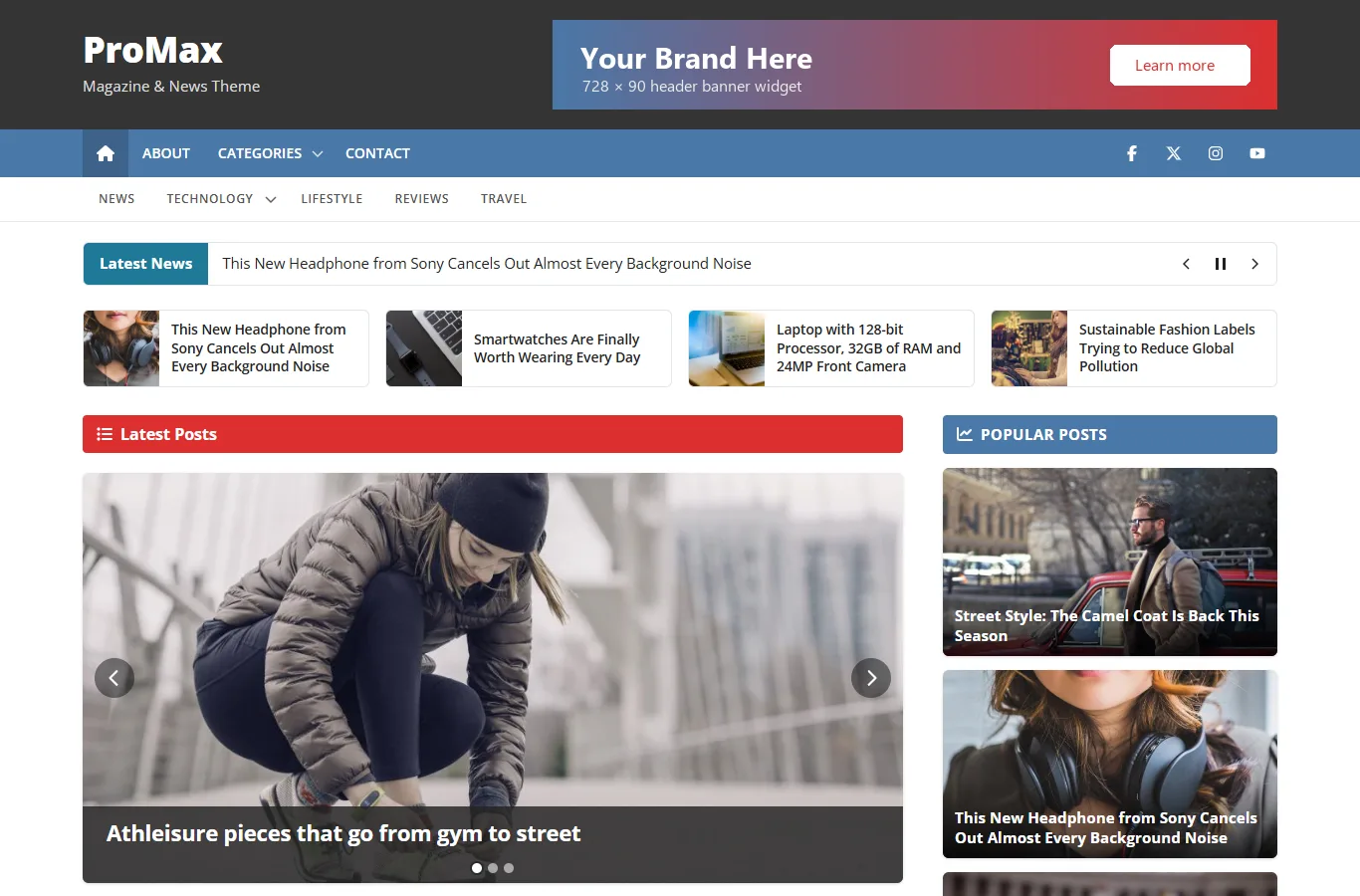
| Homepage image slider | — | Up to 4 slides |
| Breaking news ticker | — | Yes, with category filter |
| YouTube videos as post thumbnails | — | Yes |
| Share buttons | — | 10 networks plus print |
| Back-to-top button | — | Yes |
| Show or hide post date, author, categories, comments, tags, next/previous links, breadcrumbs | — (always shown) | Each one |
| Excerpt length on cards | 25 words | 5–100 words, or no excerpt |
| Featured image above single posts | Yes | Yes |
| Author box | Yes | Yes |
| Social icons in the top bar | 7 icons, 35 networks | 19 icons, or a search form instead |
| Phone and tablet options (menu button text, search button, hide sidebar or latest posts) | — | Yes |
| WooCommerce | ||
| Full-width shop pages, optional Shop Sidebar | Yes | Yes, plus sidebar on the left or right and per-page layouts |
| Floating cart, Quick Checkout button | Yes | Yes, plus button colour |
| Product zoom, lightbox and gallery slider switches | Yes | Yes |
| Both editions | ||
| 3 menu locations, 10 widget areas, mobile menus | Yes | Yes |
| Breadcrumbs with schema.org markup, Yoast SEO and Rank Math breadcrumbs | Yes | Yes |
| Block editor styles, block styles and patterns | Yes | Yes |
| No jQuery on the front end, WCAG AA colours, RTL and translation ready | Yes | Yes |
| Updates & support | ||
| Updates | From WordPress.org | Automatic, from insertcart.com |
| Support | WordPress.org forum | InsertCart support |
Moving from ProMax to ProMax Pro?
Widgets and menus carry over because both themes use the same widget areas and menu locations. Customizer settings are saved per theme, so pick your colour scheme and options again in Pro. See Upgrading to Pro.
Getting help
- ProMax (free): ask on the WordPress.org support forum.
- ProMax Pro: contact InsertCart support.
- Check FAQ & troubleshooting first; most questions are answered there.